AMTRA Copilot Concierge
M365 Copilot Chat
What is M365 Copilot Chat? Think of M365 Copilot Chat as a super helpful assistant that you can call upon at any time. It’s like having a knowledgeable friend who can help you with various tasks throughout your workday.
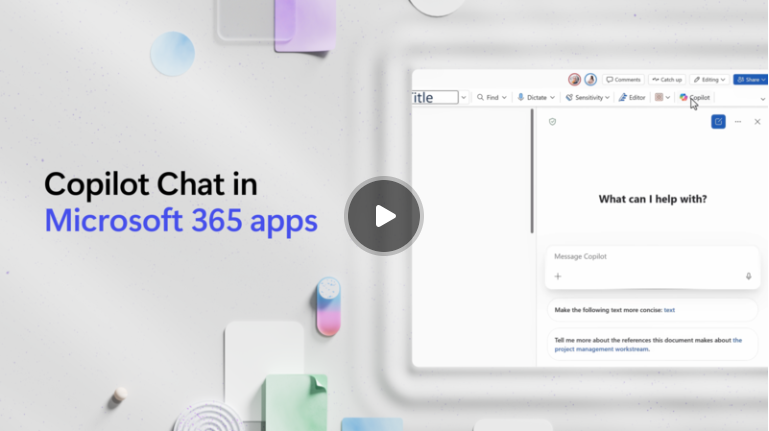
Copilot Chat is now integrated directly into apps like Outlook, Word, Excel, PowerPoint, Teams, and more—bringing intelligent assistance right where you work.
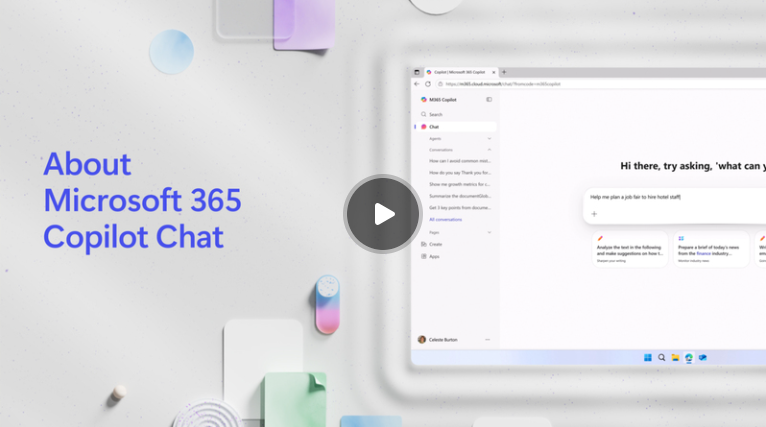
Check out this 6-minute video for an overview of what's available
In Outlook
- Summarize long email threads instantly
- Draft clear, professional replies
- Pull key information from attachments or related messages
In Word
- Generate first drafts from prompts or outlines
- Rewrite or refine existing content for tone, clarity, or length
- Ask Copilot to explain complex sections or suggest improvements
In Excel
- Convert natural language questions into formulas
- Summarize trends or create quick insights from data
- Build charts, pivot tables, or scenarios using simple prompts
In PowerPoint
- Turn a Word document or idea into a complete slide deck
- Rewrite speaker notes or refine slide content
- Adjust layouts or visuals using plain-language request
In Teams
- Recap meetings you missed
- Pull key decisions and action items
- Ask questions about shared files right from the chat pane
In OneDrive & SharePoint
- Get quick file summaries
- Ask questions about documents without opening them
- Locate the right file with conversational search
Have a minute?
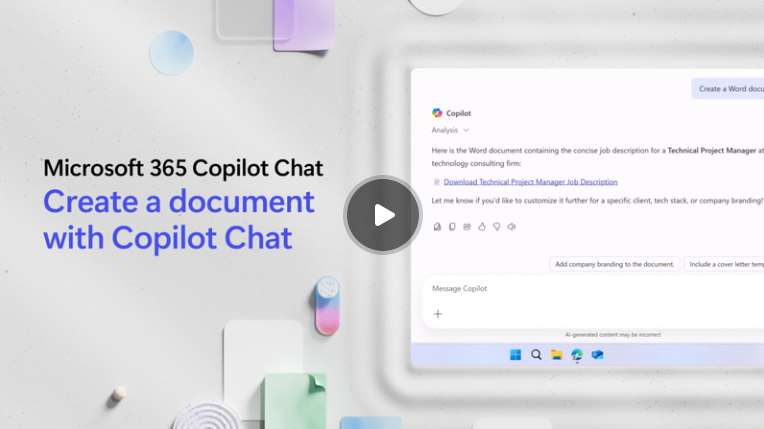
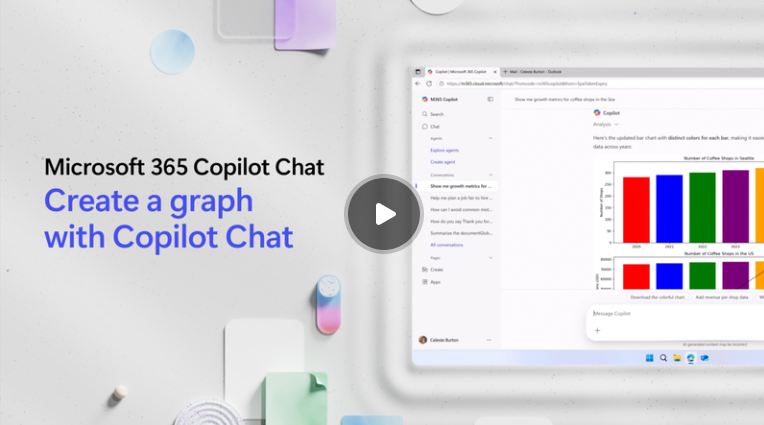
Check out these snackable videos and learn how M365 Copilot Chat can change your workday - one bite-sized piece at a time!
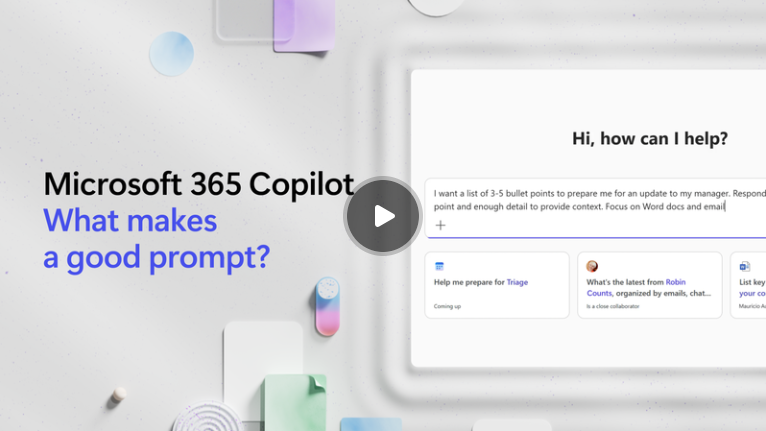
AMTRA straight talk: What is a prompt?
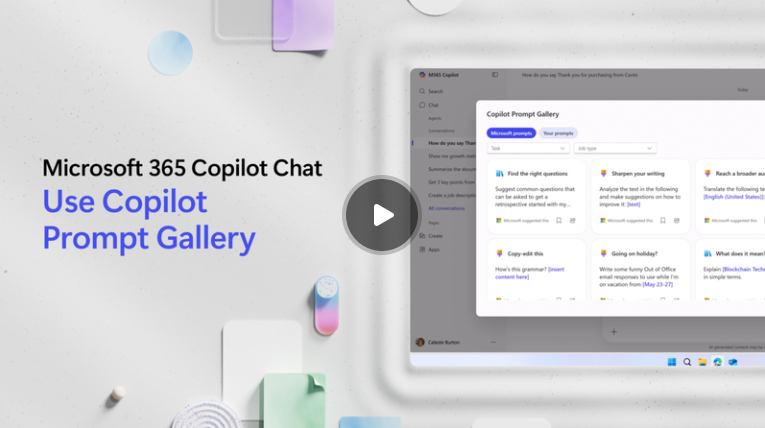
Prompts are the instructions or questions that you use to tell Copilot what you want it to do. Here are some helpful prompting resources to help you get started!
Curious about data security and M365 Copilot Chat?
When it comes to data security, M365 Copilot Chat is designed with enterprise-grade protection, giving you peace of mind and ensuring your information is safe and secure. Security features include the following:
Ready to master AI prompting in M365 Copilot Chat?
If you said, yes, you need to check out this guide! Mastering AI prompting skills can significantly enhance your interaction with AI tools like M365 Copilot Chat. You you will learn how to:
- Enhance productivity
- Improve accuracy
- Ensure a better user experience
- Save and reuse your prompts
- Prompting with multiple steps
- Tailor your prompts to suit specific needs
- Write open-ended prompts
- Write close-ended prompts
- Write contextual prompts
- Craft effective prompts
- Avoid common pitfalls and mistakes
- And more!
“It can feel like an overwhelming task to keep pace with our changing digital landscape and the emergence of AI in the workplace. We see you and are here to help.”
Director, Digital Workplace Adoption
Dawn Lutz
NEXT STEPS
Take your M365 Copilot Chat experience to the next level.
Interested in M365 Copilot Chat Training for your team?
Sign up for training sessions like "Getting Started with M365 Copilot Chat & AI Prompting" to develop your AI prompting skills and explore advanced features.
Engage with the Community
Connect with colleagues and industry experts to share experiences, tips, and best practices for using M365 Copilot Chat effectively.